
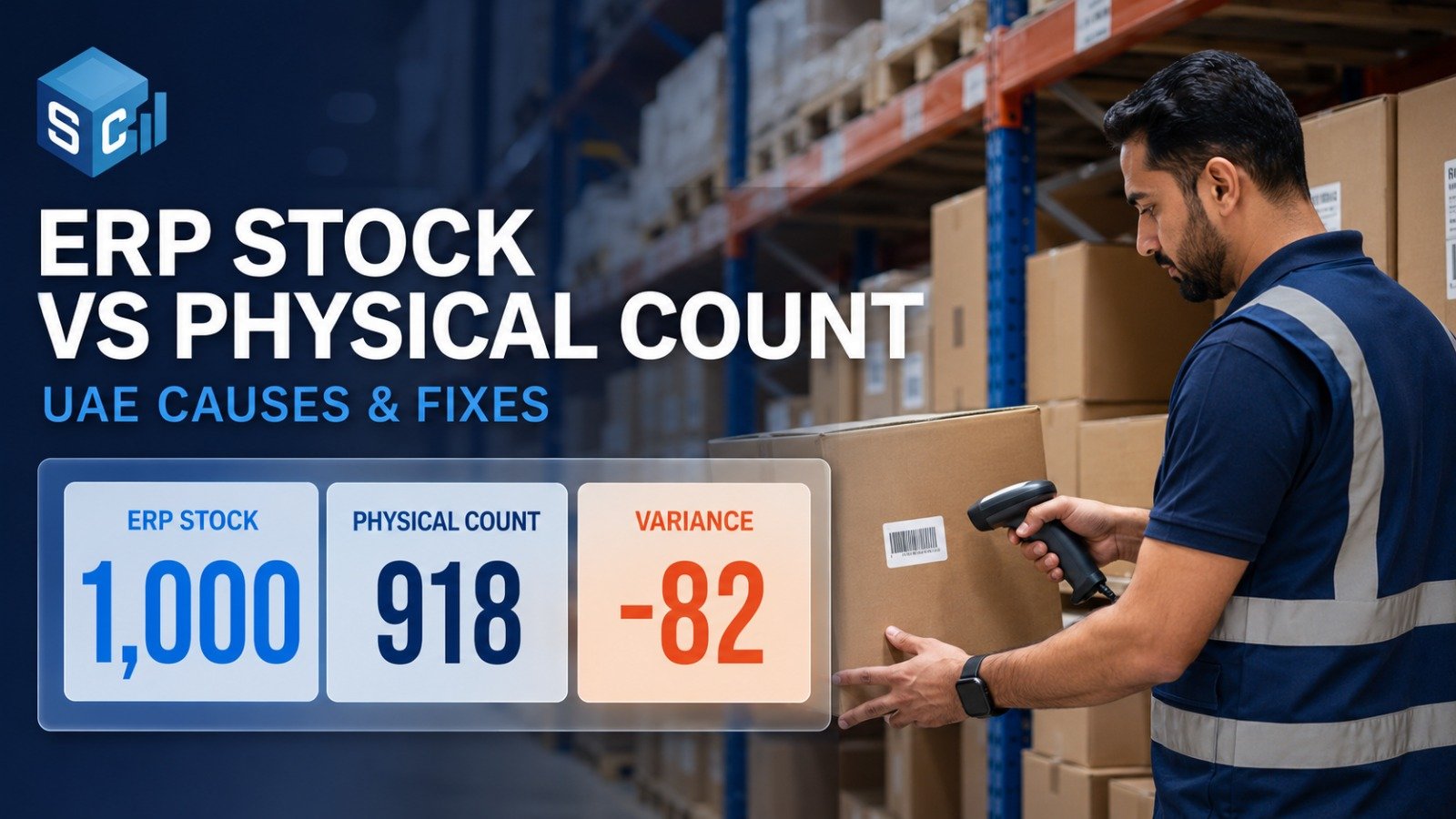
Your ERP says you have 1,000 units in stock. Your warehouse team counts 918.
That gap is not something to “adjust and forget.” It may be caused by receiving mistakes, wrong item codes, branch transfers, returns, damaged stock, theft, or warehouse location errors.
This issue is common for UAE retailers, supermarkets, restaurants, pharmacies, ecommerce sellers, warehouses, and distributors across Dubai, Abu Dhabi, Sharjah, Ajman, and other Emirates.
When ERP inventory does not match physical stock, it can affect purchasing, customer orders, gross profit, inventory valuation, audit preparation, VAT discussions, and cash flow.
Why ERP Inventory Doesn’t Match Physical Stock
ERP inventory usually does not match physical stock because stock movements are not recorded correctly. Common causes include receiving errors, POS billing mistakes, unrecorded branch transfers, customer returns, damaged or expired stock, manual ERP adjustments, duplicate item codes, warehouse location errors, and inventory shrinkage.
The fix is to complete a physical stock count, compare it with ERP records, investigate the variance, update the records with approval, and strengthen the control that caused the mismatch.
What Does ERP Inventory Not Matching Physical Stock Mean?
ERP inventory is the quantity shown in your software. Physical stock is the actual quantity available in your shop, warehouse, back store, kitchen, branch, or stock location.
The difference is called inventory variance, stock discrepancy, ERP inventory mismatch, or physical stock difference.
Why Inventory Mismatch Is Serious for UAE Businesses
Owners often notice the issue when pressure is already high:
- The auditor asks for stock records
- Year-end closing is near
- ERP shows negative inventory
- A customer order cannot be fulfilled
- Warehouse staff cannot locate items
- Purchases are made even though stock already exists
- Branch transfers are unclear
- Gross profit looks lower than expected
Accurate inventory can support financial reporting, management review, audit preparation, and discussions with your accountant or tax advisor.
10 Common Reasons ERP Inventory Doesn’t Match Physical Stock
| Cause | Where it happens | Owner action |
| Goods received without checking | Supplier delivery, GRN, warehouse receiving | Match purchase order, delivery note, invoice, and physical quantity before posting stock. |
| Wrong item sold in POS | Retail counters, supermarkets, electronics, fashion | Use barcode scanning and restrict manual item selection. |
| Branch transfer errors | Dubai, Abu Dhabi, Sharjah, Ajman branches | Require sender and receiver confirmation for every transfer. |
| Returns not updated | Customer returns, exchanges, credit notes | Separate resalable, damaged, and supplier-return items. |
| Damaged or expired stock still active | Restaurants, cafés, pharmacies, FMCG, supermarkets | Record wastage, expiry, and write-offs with approval. |
| Inventory shrinkage | Retail floor, back store, warehouse | Count high-value items more often and review adjustments. |
| Manual ERP adjustments | ERP access, stock correction entries | Add approval, reason codes, and monthly review of adjustments. |
| Duplicate item codes | ERP item master, barcode setup | Clean duplicate SKUs and standardize product names and units. |
| Warehouse location errors | Racks, shelves, bins, pallets | Use bin labels and conduct location-wise counts. |
| No regular physical count | All stock locations | Schedule cycle counts instead of waiting for year-end. |
How to Investigate ERP and Physical Stock Differences
Follow this sequence before making ERP adjustments.
1. Start with high-value and high-variance items
Focus on expensive SKUs, fast-moving products, negative-stock items, and repeated shortages.
2. Review goods received
Check purchase orders, supplier invoices, delivery notes, GRNs, shortage claims, and damaged goods records. For independent checking, use stock verification services in UAE.
3. Check POS and sales activity
Review wrong item codes, manual item selection, cancelled invoices, refunds, exchanges, discounts, and edited bills.
4. Review branch and warehouse transfers
Confirm whether stock was sent, received, partially received, posted to the wrong location, or moved physically without an ERP update.
5. Check damaged, expired, and written-off stock
Confirm whether unusable stock was removed from saleable inventory.
6. Review manual stock adjustments
Check who adjusted the stock, why it was adjusted, and whether approval was obtained.
7. Do an independent physical count
If the variance is large, repeated, or audit-related, get an independent count. Internal teams may be too close to daily operations or too busy to investigate the variance objectively.
How Often Should UAE Businesses Count Stock?
| Business Type | Suggested Frequency |
| Retail shop | Monthly or quarterly |
| Supermarket | Weekly cycle count + quarterly full count |
| Restaurant or café | Weekly for key ingredients |
| Warehouse | Monthly cycle count |
| Ecommerce business | Monthly |
| High-value inventory | Weekly or surprise count |
| Year-end audit support | Full physical stock count |
For complete counts, use stock counting services in UAE.
When Should You Hire Professional Stock Counting Services?
Consider professional support when:
- ERP stock does not match physical stock repeatedly
- Year-end closing or audit is near
- You manage multiple branches or warehouses
- Your inventory value is material
- Your team is too busy to count independently
- You are moving to a new ERP
- You suspect shrinkage or weak controls
- You need management-ready variance reports
Professional stock counting can give you an independent view of what is actually available, where the differences are, and which areas need correction.
How StockCounting.ae Helps UAE Businesses
StockCounting.ae supports UAE businesses with physical stock counting, stock verification, stock reconciliation, warehouse stock audits, retail inventory counts, restaurant and F&B stock counts, fixed asset verification, and technology-supported stock counting.
We help compare ERP inventory with physical stock, identify variances, and prepare stock count and variance reports that support management review and audit preparation.
To understand the tools used for faster counting, visit our stock counting technology page.
Conclusion
ERP inventory mismatch is usually not just a software issue. It often points to a stock control problem in receiving, sales, transfers, returns, damaged stock, manual adjustments, warehouse locations, or shrinkage.
The right fix is to count the physical stock, compare it with ERP records, investigate the variance, and correct the process before adjusting the system.
A proper stock count and reconciliation can help reduce avoidable losses, improve reporting, and support better purchasing decisions.